01
Gather your photos
Choose photos from your device or drag them into the editor. Add up to 30 JPEG, PNG, or WebP images.
Your moments, one story
Your favorite photos, in one collage that feels like you.
From simple grids to freeform layouts, create with ease and keep every detail.
No sign-up · No watermarks · No photo uploads
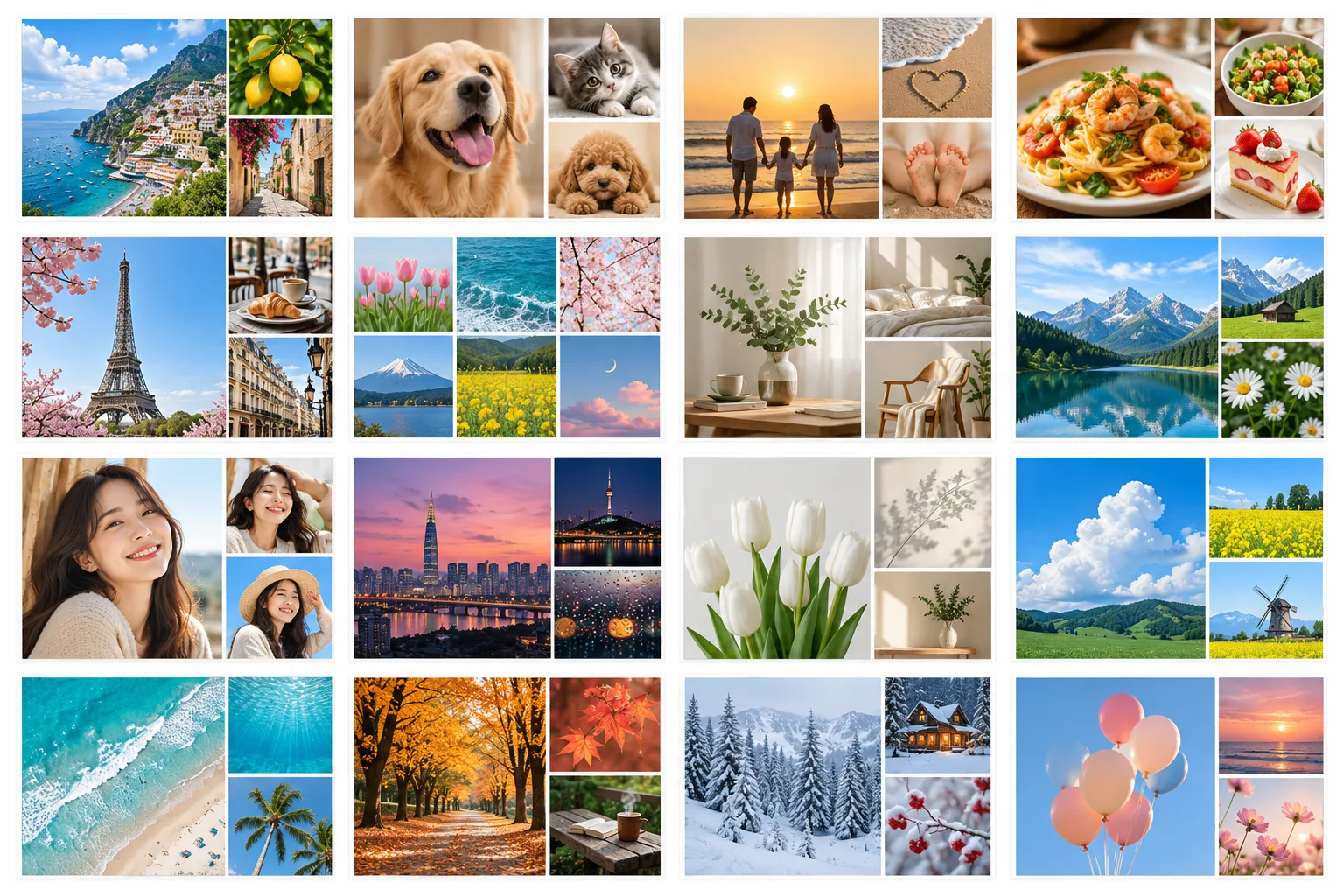
A LITTLE LESS, A LITTLE BETTER
No complicated design tools. Just what you need for a great collage.
Choose photos from your device or drag them into the editor. Add up to 30 JPEG, PNG, or WebP images.
Choose an automatic grid, try a smart layout, or arrange photos freely. Adjust crops, spacing, margins, and corners.
Download a PNG, JPEG, or WebP at your preferred size. Save a project file to continue editing later.
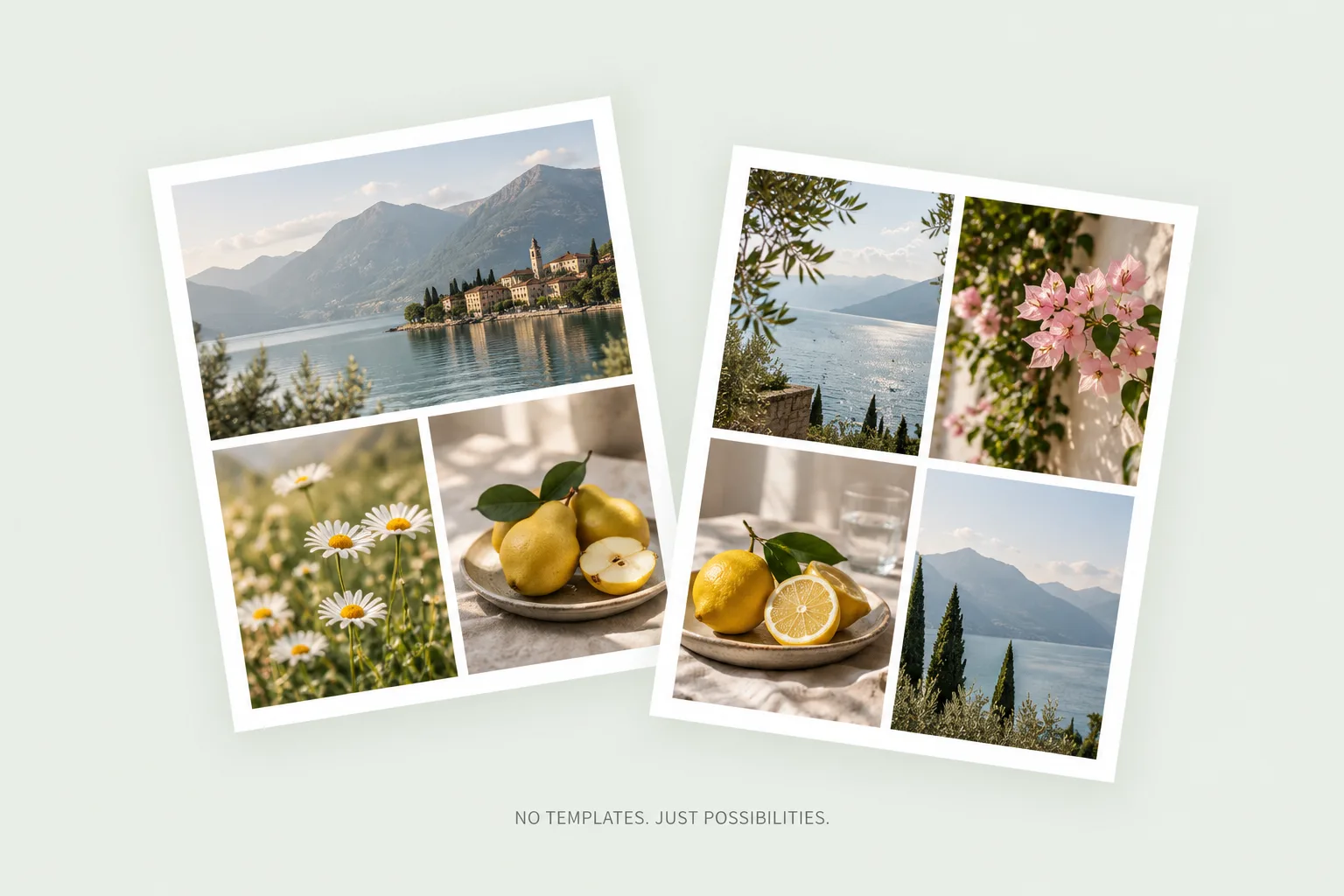
Different photos, endless possibilities
Layouts adapt to your photo count and canvas ratio. Discover fresh arrangements for the same photos, without relying on pre-made design templates.
GOOD TO KNOW
All collage editing and image downloads are free. No sign-up, login, payment, or watermarks.
Your photos are never sent to a server. Originals and edits are processed in your browser and saved automatically in IndexedDB. Clearing browser data or closing a private browsing session can remove them, so save important work as a project file.
Add up to 30 JPEG, PNG, or WebP photos. Each photo can be up to 20MB and 40 megapixels, with a total of 180MB for originals. SVG is not supported, and animated images are treated as still frames.
Choose PNG, JPEG, or WebP and your output size. Exports are rendered from the original photos, not an enlarged screenshot. Images can be up to 8192px per side and 24 megapixels in total, though browser memory may require a smaller size. Transparent backgrounds are supported only in PNG.
Your last project is restored automatically when you return in the same browser. Project files include your edits and original photos, so you can also open them on another device. Exported PNG, JPEG, and WebP images do not include editing data.